


FBA prep is the process of labeling, packaging and palletizing inventory so that Amazon's fulfillment centers accept and receive it without delays or rejections. YouParcel provides FBA prep as part of its ecommerce fulfillment services, handling the physical requirements that most Q4 receiving problems trace back to: incorrect barcodes, non-compliant packaging and carton content errors that trigger manual holds during Amazon's busiest weeks.
- Most FBA receiving failures during Q4 come from labeling and packaging errors, not from the shipment itself being lost or late.
- Amazon's prep requirements cover six distinct areas: barcodes, poly bagging, bubble wrap, suffocation warnings, carton weight and dimensions, and carton content accuracy.
- A dedicated FBA prep center handles all physical requirements before freight leaves the warehouse, so your inventory goes directly into the FBA receiving queue.
- Engaging a prep partner at least four to six weeks before Black Friday gives enough lead time to receive inbound freight, complete prep and generate compliant shipment plans.
Why Q4 FBA Prep Failures Are Costly
Amazon processes tens of millions of units in October and November. When a carton arrives with a missing FNSKU label or a poly bag that lacks a suffocation warning, the fulfillment center flags the pallet for a manual review. During peak weeks that review can take several days. Units held in a problem queue are not available for sale. At peak demand, even a 72-hour receiving delay translates directly to lost orders.
The other risk is a defect charged to your account. Amazon tracks prep and labeling defects per shipment. Repeated violations can restrict your ability to send future shipments or add mandatory Label Service fees to every unit you send, regardless of whether future shipments are correct.
The Complete FBA Prep Checklist
Work through each section before your freight leaves the origin warehouse or prep center. These requirements are drawn from the Amazon FBA Product Preparation Requirements and Amazon FBA Shipment Creation workflow documentation published on Seller Central.
1. Barcode and Labeling Requirements
Every unit sent to FBA must be scannable. Amazon uses one of three barcode types depending on your account settings and the product category.
| Barcode type | When it is used | Key rule |
|---|---|---|
| FNSKU (Fulfillment Network Stock Keeping Unit) | Standard seller-labeled shipments | Must be unique to your seller account; cannot share an FNSKU with another seller |
| Manufacturer barcode (UPC, EAN, ISBN) | Commingled inventory with Amazon Transparency opted in | Eligible only for brand-registered sellers; not recommended for most Q4 shipments |
| Transparency code | Products enrolled in Amazon Transparency anti-counterfeiting program | Label must be applied before the unit enters FBA; Transparency codes are single-use |
Checklist items for barcodes:
- Confirm every unit has a printed FNSKU label that matches the ASIN and condition in the shipment plan.
- Verify the label is flat on the product surface, not over a seam or curve that distorts the barcode.
- Cover any existing retail barcode if the FNSKU is being applied as a sticker, so scanners read only one code per unit.
- Check label size: Amazon requires a minimum label size of 1 inch by 2 inches for FNSKU stickers; 2 inches by 1.25 inches is a common standard print size that passes scanners reliably.
- Print labels at 300 DPI or higher. Labels printed at 203 DPI on worn printheads produce barcodes that fail scan checks at Amazon receiving stations.
- For expiration-dated products (food, supplements, beauty), confirm the expiration date is printed on the label or on the unit in MM-DD-YYYY or MM-YYYY format per Amazon's requirements.
2. Poly Bagging Requirements
Poly bagging (enclosing a product in a sealed, transparent polyethylene bag) is required for products that could spill, leak, shatter or contaminate other items in the fulfillment center. It is also required for any soft goods that do not have a rigid outer box, such as loose apparel, pillows and plush toys.
- Use bags with a minimum thickness of 1.5 mil (0.0015 inches). Thinner bags tear during handling and cause loose product in the carton.
- Seal every bag completely, either heat-sealed or with a pressure-sensitive seal. Twist ties and rubber bands are not compliant.
- Apply a suffocation warning on any bag with an opening of 5 inches or larger. The warning must be printed in a font size that is legible relative to the bag size (Amazon specifies a minimum 10-point font for bags under 60 square inches; larger bags require proportionally larger text).
- Confirm the FNSKU barcode is scannable through the bag without opening it. If the product inside shifts and covers the barcode, place the label on the outside of the bag.
- Units that contain a battery, liquid or powder inside the poly bag must still comply with any additional category-specific prep requirements beyond the standard poly bagging rules.
3. Bubble Wrap and Over-Boxing
Fragile products that cannot be poly-bagged and that do not have a rigid outer box must be bubble-wrapped or over-boxed so that they withstand a 3-foot drop test without damage. Amazon uses this drop standard informally during receiving; product that arrives broken is returned or disposed of at the seller's cost.
- Wrap the unit completely so no surface is exposed; use a minimum of two layers for glass, ceramics and mirrors.
- Apply an FNSKU label to the outside of the bubble wrap so it is scannable without unwrapping.
- If you over-box (place the product inside a plain brown box), the box itself becomes the new scannable unit. Apply the FNSKU to the outside of the box.
- Do not use newspaper, loose packing peanuts or shredded paper as the sole protective material. Amazon receiving associates handle cartons quickly; loose materials shift in transit and do not protect corners.
4. Set and Bundle Prep
A set is a group of two or more items that are sold together as a single ASIN. Each set must be packaged so that receiving associates can identify it instantly as a single unit.
- Place all items of a set in a single poly bag or box and apply one FNSKU label to the outside.
- Apply a sticker that reads "Sold as Set" or "Do Not Separate" visibly on the outer packaging.
- Do not leave individual items in the set with their own retail barcodes exposed. Cover them or place them inside the set packaging so only the set FNSKU is scannable.
- For multi-packs (the same item sold in a quantity bundle), confirm the quantity on the FNSKU label matches the actual count of items inside. Amazon checks multi-pack contents during receiving for high-velocity items.
5. Carton and Case Pack Requirements
Carton compliance is where many experienced sellers still encounter Q4 receiving problems. Amazon's rules for master cartons and case packs are specific and checked at the fulfillment center dock.
- Each carton must have a unique FBA box label (also called a U-shaped label or shipment label) placed on the outside. This label contains the shipment ID, box number and destination fulfillment center code.
- Apply the FBA box label flat on one of the four long sides of the carton, not on the top or bottom, and not over a seam.
- Cover the box label with clear tape only if the label stock does not have its own laminate. Do not place tape over the barcode, as it creates glare that defeats scanners.
- Weight limit per carton: no single carton should exceed 50 lbs (approximately 22.7 kg) unless the contents are made of a single item that weighs more than 50 lbs on its own. Cartons over 50 lbs must have a "Team Lift" label visible on the outside.
- Cartons that exceed 100 lbs require a "Mechanical Lift" label.
- Maximum carton dimensions are 25 inches on any side, unless the item inside is longer than 25 inches. Oversized cartons must be clearly marked.
- For case-packed products (all units in the carton are identical ASINs), every unit count per carton must match what was entered in the shipment plan exactly. A discrepancy of even one unit per box causes a receiving exception that holds the entire pallet.
- For mixed-SKU cartons (multiple ASINs in one box), every unit inside must be individually labeled, and the box-level packing list must list each ASIN and quantity. A printed packing list inside the carton (not taped to the outside) is best practice for mixed cartons.
6. Shipment Plan Accuracy
Even perfectly prepped inventory is refused or placed on hold when the shipment plan in Seller Central does not match the physical shipment. The shipment plan is the digital manifest Amazon uses to route and receive your inventory.
- Generate the shipment plan in Seller Central only after all prep is finalized and unit counts are confirmed. Changing quantities after the plan is submitted requires closing and recreating the shipment, which resets the fulfillment center assignment.
- Record the exact ASIN, FNSKU, condition and quantity for every SKU before submission. Cross-check against the physical pick ticket or packing list from your prep center.
- If Amazon splits your shipment across multiple fulfillment centers (which is common), create a separate FBA box label set for each destination. Never mix boxes destined for two different fulfillment centers in the same pallet without clear separation and labeling.
- Confirm freight carrier and tracking details are entered in Seller Central before the shipment departs. Shipments without carrier and tracking data are not auto-received and can sit in an unknown state for days.
How a Prep Center Handles These Requirements
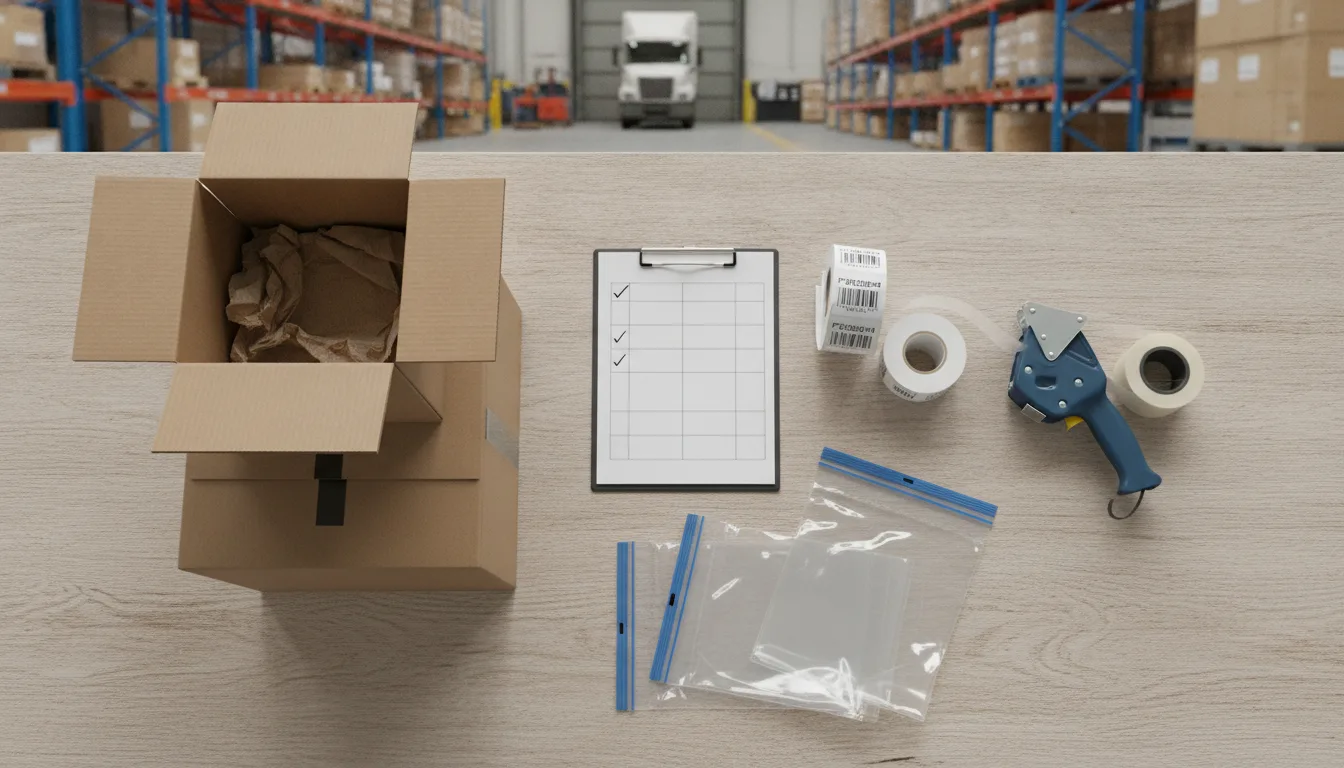
An FBA prep center (also called a prep partner or third-party prep facility) is a warehouse that receives your inbound freight, performs all labeling and packaging steps, and ships compliant cartons directly to Amazon's fulfillment centers under your Seller Central account. Using a prep center removes the physical prep workload from your team and reduces the risk of receiving failures caused by human error at scale.
At YouParcel, the FBA prep workflow typically follows this sequence:
- Inbound receiving. Your freight arrives at a YouParcel fulfillment center in East Hanover, NJ or Rialto, CA. Each unit is counted and checked against your purchase order.
- Inspection. Units are checked for visible damage and for any manufacturer barcodes that need to be covered before FNSKU labels are applied.
- Labeling. FNSKU labels are printed and applied to each unit at the correct size, placement and orientation. Expiration dates are verified for applicable categories.
- Packaging. Units requiring poly bagging, bubble wrap, over-boxing or set assembly are prepped to Amazon specifications, including suffocation warnings where required.
- Carton build and labeling. Units are packed into cartons at the quantities specified in the shipment plan. FBA box labels are applied and carton weights are confirmed against the 50 lb limit.
- Shipment plan confirmation. Box counts, unit counts and tracking numbers are reconciled against the Seller Central shipment before the freight departs.
- Outbound to FBA. Cartons ship to the Amazon fulfillment center with your chosen carrier. YouParcel works with carriers including FedEx and UPS (for small parcel FBA) and LTL carriers for pallet shipments.
This end-to-end approach is part of YouParcel's broader ecommerce fulfillment services, which also cover DTC and multichannel order fulfillment, warehousing and returns. Brands that use YouParcel for both DTC fulfillment and FBA prep can hold overflow inventory at a YouParcel facility and allocate it between channels as demand shifts through Q4, which is a practical hedge against FBA storage limit constraints.
FBA Storage Limits and Q4 Timing
Amazon enforces inventory performance-based storage limits (also called restock limits) that cap how much inventory each seller can hold inside FBA at any time. These limits tighten before peak season for sellers with low Inventory Performance Index (IPI) scores. If you hit your storage limit, additional inbound shipments are refused at the dock.
Holding excess Q4 inventory at a third-party warehouse and sending it to FBA in smaller, frequent replenishment shipments is a standard strategy for sellers who cannot or choose not to push all Q4 stock into Amazon at once. YouParcel's warehouses in New Jersey and California are positioned near major Amazon fulfillment center clusters, which keeps replenishment lead times short.
For a broader look at the logistics of moving inventory into FBA, including carrier selection and shipment routing, see the YouParcel guide to shipping to Amazon FBA, which covers the transport and routing side that this checklist does not address.
Q4 Prep Timeline: What to Do and When
| Weeks before Black Friday | Action | Why it matters |
|---|---|---|
| 8 to 10 weeks out | Confirm inbound freight is booked; notify prep partner of expected unit counts and arrival dates | Prep centers fill up in October; late bookings get pushed to November |
| 6 to 8 weeks out | Provide SKU list, FNSKU labels and any special prep instructions to the prep center | Label file errors take time to fix; better to catch them before freight arrives |
| 4 to 6 weeks out | Inbound freight arrives at prep center; receiving and inspection begin | Leaves time to rework any unexpected packaging issues before Amazon deadlines |
| 3 to 4 weeks out | Prep completed; shipment plan generated; cartons labeled and staged for outbound | Amazon needs time to receive and stow inventory before peak demand begins |
| 2 to 3 weeks out | First shipment departs for FBA; replenishment inventory staged at 3PL warehouse | Buffer inventory ready for fast replenishment if FBA stock depletes early |
| 1 week out | Confirm all shipments are in "Receiving" status in Seller Central; flag any open discrepancies | Resolving discrepancies before peak prevents lost sales during highest-traffic days |
Common FBA Prep Mistakes and How to Avoid Them
These are the prep errors that appear most frequently in FBA receiving problem reports, particularly during Q4.
- Wrong FNSKU on the unit. Happens when label files are updated for a new ASIN but old labels remain in circulation. Solution: use the prep center as the single point of label printing so there is one source of truth.
- Poly bag too thin. Units arrive with torn bags and loose product inside the carton. Solution: specify 1.5 mil minimum and test a sample bag before the full production run.
- Carton over 50 lbs. Dense products like supplements or hardware can easily exceed the limit when packed at standard case quantities. Solution: weigh the first packed carton before continuing the pack run.
- Box count mismatch with shipment plan. Happens when units are added or removed after the plan is submitted. Solution: freeze unit counts before submitting the shipment plan and do not adjust without recreating it.
- Missing suffocation warning on poly bag. Overlooked on bags just at or above the 5-inch threshold. Solution: apply the warning to all poly bags regardless of size as a default; it costs nothing and removes the judgment call.
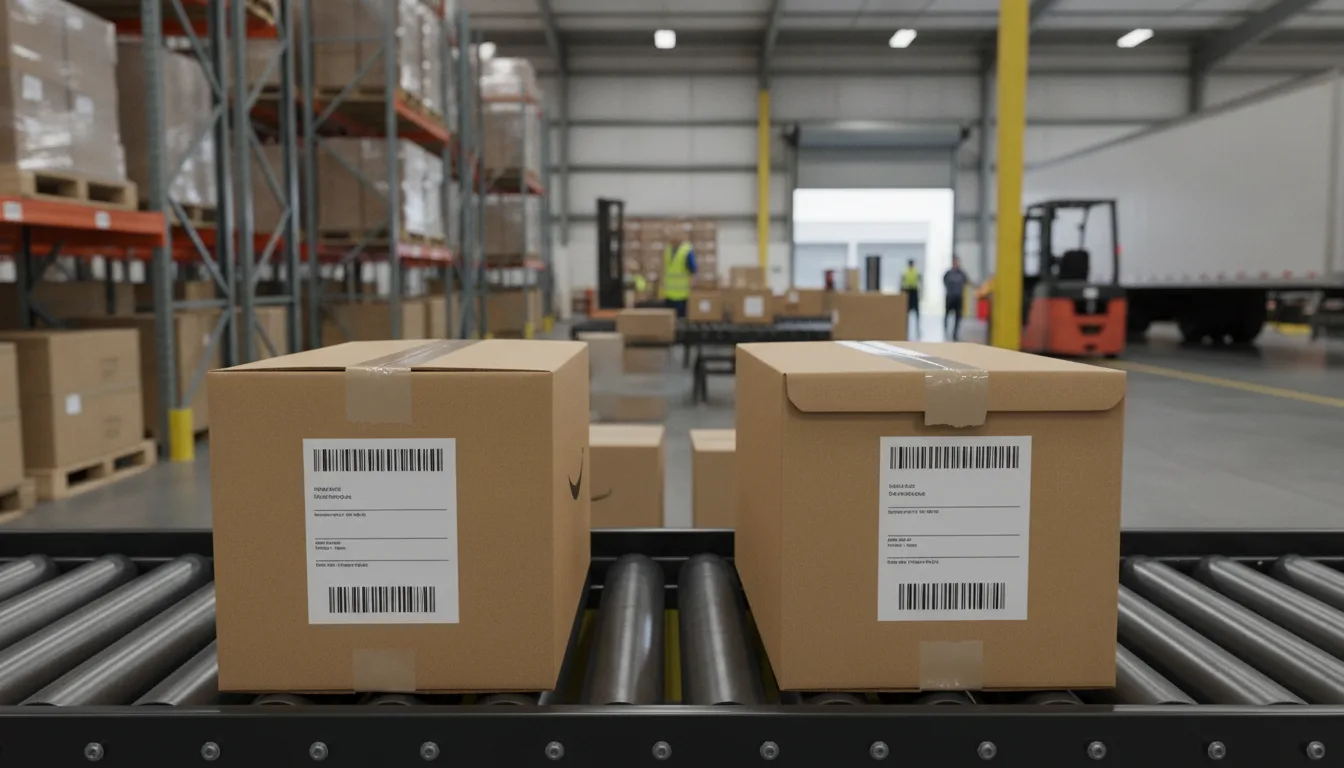
- FBA box label placed on the top of the carton. Pallet stacking covers top labels and they cannot be scanned at the dock. Solution: always apply box labels to one of the four long side faces.
When to Use an FBA Prep Service vs. Doing It In-House
In-house prep makes sense for sellers with a small SKU count, predictable volume and an existing warehouse team that is not fully occupied. It becomes a bottleneck when order volumes spike, when kitting or bundling is involved, or when inbound freight arrives on tight timelines that leave no room for prep errors.
An FBA prep service like YouParcel is worth evaluating when any of the following conditions apply:
- You are sending more than 500 units per shipment and prep errors are causing FBA receiving holds.
- Your team handles prep alongside other warehouse tasks and accuracy suffers under Q4 volume pressure.
- You need to hold overflow inventory between FBA shipments and do not have warehouse space.
- You sell across multiple channels (DTC, wholesale, Amazon) and need a single facility to allocate and prep inventory across all of them.
- You are importing freight directly from a manufacturer and want it received, prepped and sent to FBA in one move without an intermediate stop.
Frequently Asked Questions
What does FBA prep include?
FBA prep includes all physical steps required to make a unit acceptable to Amazon's fulfillment centers: applying FNSKU labels, poly bagging or over-boxing fragile or loose items, adding suffocation warnings, bundling sets, and packing and labeling master cartons to Amazon's weight and dimension specifications. Some prep centers also handle shipment plan creation and carrier booking.
How early should I send inventory to FBA for Q4?
Most experienced Amazon sellers aim to have Q4 inventory received and stowed at FBA by early November at the latest. Working backwards, that means freight should arrive at a prep center by early to mid-October, which requires booking freight and providing prep instructions in September. Amazon's fulfillment centers slow their receiving speed as peak volume builds, so earlier is consistently safer.
What happens if Amazon rejects my FBA shipment?
Amazon does not typically reject entire shipments outright. Instead, it creates a receiving problem that holds specific units or cartons and charges a per-unit Unplanned Service Fee if it has to perform labeling or packaging steps on your behalf. Repeated prep defects are recorded against your account and can lead to mandatory Label Service enrollment, which adds an ongoing per-unit fee to every future shipment.
Can a 3PL ship directly to Amazon FBA on my behalf?
Yes. A third-party logistics provider (3PL) or prep center can receive your freight, complete all prep steps and ship compliant cartons to Amazon's fulfillment centers under your Seller Central account. The shipment still originates from your account; the 3PL acts as your physical operator. You retain full visibility in Seller Central including tracking and receiving status.
What is the difference between FBA prep and FBA shipping?
FBA prep refers to the physical preparation of units and cartons to meet Amazon's acceptance requirements: labeling, packaging, bundling and carton compliance. FBA shipping refers to the carrier and routing decisions for moving those prepared cartons from the prep location to the designated Amazon fulfillment center. Both must be correct for inventory to arrive on time and without receiving holds, but they are separate processes that can be managed independently or together by a prep partner.
Ready to offload FBA prep before Q4 peaks? Talk to an Expert at YouParcel to discuss your inbound freight timeline, unit volumes and prep requirements.