


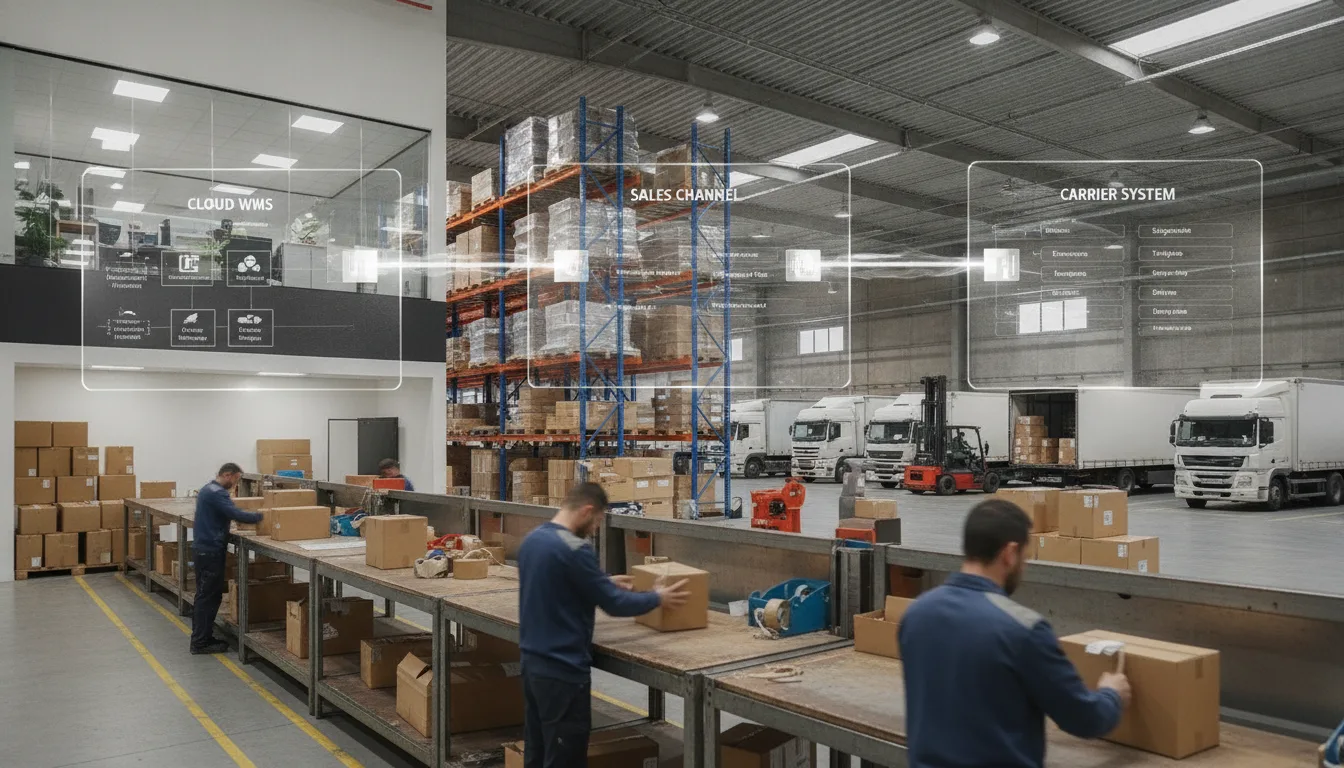
A warehouse management system (WMS) is the software layer that controls every inventory movement inside a 3PL's facility, from the moment your stock arrives to the moment a parcel leaves the dock. The quality and configuration of that system determines whether you get real-time inventory counts, lot and serial traceability, clean integrations with Shopify or Amazon, and the reporting you need to run your business. YouParcel's warehousing operations are built on a cloud-based WMS that connects to 70+ platforms and surfaces data through built-in BI and analytics tools.
- A cloud-based WMS with real-time inventory visibility eliminates the spreadsheet gaps that cause oversells and stockouts.
- Lot and serial number tracking is non-negotiable for regulated products, recalls and B2B compliance.
- Your 3PL's WMS must integrate directly with your sales channels; manual data entry between systems creates costly errors.
- Reporting and analytics from the WMS should answer your operational questions without requiring a data export request.
Why the WMS Question Matters More Than the Warehouse Address
Brands often tour a warehouse, check the square footage and ask about labor ratios. Those things matter. But the WMS is the nervous system behind all of it. A beautiful facility running on a patched, on-premise system from 2010 will give you slower cycle counts, delayed inventory updates and limited integration options. A well-configured cloud-based WMS, by contrast, can push inventory updates within minutes of a transaction, trigger alerts on thresholds and feed data directly into your Shopify storefront or Amazon Seller Central account.
The Council of Supply Chain Management Professionals (CSCMP) defines a WMS as software that supports the day-to-day operations in a warehouse by enabling the management of inventory, labor and equipment, as well as directing the fulfillment of customer orders. That definition is broad. In practice, there is an enormous gap between a basic WMS and a full-featured one, and buyers rarely know which questions to ask to find out where their prospective 3PL sits on that spectrum.
This guide gives you a practical question set organized by capability area. Take it into every 3PL conversation.
Area 1: Inventory Visibility and Accuracy
Inventory visibility refers to your ability to see, in real time, exactly how many units you have on hand, how many are reserved for open orders, how many are in quarantine and how many are in transit between your supplier and the warehouse. This is the most fundamental WMS function, and it is where the largest variation exists between providers.
Questions to ask
- How often does inventory update after a receiving, pick or adjustment event? The answer should be near-instant for a modern cloud-based WMS. If the answer is "nightly batch" or "every few hours," your Shopify available-to-promise count will lag behind reality.
- Can I see inventory by location within the warehouse, not just by SKU total? Location-level visibility (bin, shelf, pallet position) is what allows a 3PL to run directed putaway and directed picking, which are the two practices most responsible for pick accuracy. If the WMS only tracks SKU totals, the warehouse is likely running paper-based or memory-based picking.
- How does the system handle damaged or quarantined stock? A capable WMS maintains separate inventory statuses so that damaged units cannot be accidentally allocated to customer orders. Ask to see how a quarantine event appears in the client portal.
- What is the cycle count methodology, and can I see count history? Cycle counting (counting a rotating subset of SKUs continuously rather than a full physical inventory once a year) is the standard for high-accuracy operations. The WMS should log every count and variance so you can audit trends over time.
- Is my inventory view in the client portal the same data the warehouse floor uses? Some 3PLs show clients a reporting layer that refreshes on a delay while the warehouse operates on a live system. Any lag between those two creates confusion during customer service calls or reorder decisions.
Area 2: Lot and Serial Number Tracking
Lot tracking means the WMS records which production batch or lot number a unit belongs to, enabling first-expiry-first-out (FEFO) or first-in-first-out (FIFO) fulfillment and a full chain of custody back to manufacture. Serial number tracking goes one level deeper and assigns a unique identifier to each individual unit, which is required for high-value electronics, medical devices and certain regulated goods.
These capabilities are not universal. Many basic WMS platforms handle lot tracking as an add-on or do not support it at all. For brands in food, supplements, cosmetics, pharmaceuticals or electronics, the absence of lot and serial tracking is a disqualifying gap.
Questions to ask
- Does the WMS support lot or batch number tracking at the unit level, and is FEFO picking configurable per SKU? You should be able to set FEFO for perishable or expiring items and standard FIFO for non-perishables, with the WMS enforcing the rule automatically during pick.
- Can I run a lot recall report? What does it show, and how fast can you pull it? In a recall scenario you need to know immediately which open orders contain the affected lot and which orders already shipped. That report should be available in the client portal within minutes, not via a support ticket.
- How are lot numbers captured during inbound receiving? The best practice is barcode scan at receiving. If lot numbers are entered manually by a receiving associate, your data quality will reflect that. Ask whether the WMS validates the lot format against an expected pattern.
- Is serial number tracking available, and at what granularity? Serial capture at receipt, at pick and at ship-confirm are three distinct capabilities. Some systems capture at receipt only, which means you cannot prove which serial number shipped in a specific order.
Area 3: Integrations With Your Sales Channels and Tech Stack
An integration between a WMS and a sales channel means orders flow from the channel to the warehouse automatically, and inventory levels and tracking numbers flow back automatically. Without that two-way connection, someone is re-keying data, and re-keying data creates errors and delays.
When evaluating a 3PL's integration capability, distinguish between native integrations (built and maintained by the 3PL or WMS vendor, with an ongoing connection), middleware integrations (routed through a third-party connector like a shipping API aggregator) and custom or file-based integrations (flat-file EDI or FTP feeds, which are common in B2B retail but less suitable for high-velocity DTC).
Questions to ask
- Which sales channels and platforms does your WMS connect to natively? Look for the platforms you actually use. YouParcel integrates natively with Shopify, Amazon and 70+ other platforms including Salesforce and Tableau, so the answer to this question for your existing stack should be verifiable against their integration catalog.
- How does inventory sync work across multiple channels? If you sell on Shopify, Amazon and a wholesale portal simultaneously, the WMS needs to maintain a single source of truth and push available inventory to all channels after every allocation or shipment. Ask specifically how the system handles an oversell event when two channels try to allocate the last unit.
- What is the order latency, meaning the time from a customer placing an order to the WMS receiving and queuing it for pick? For DTC brands, this matters more than most buyers realize. A ten-minute polling interval means orders can sit for up to ten minutes before the warehouse even sees them.
- How does the WMS handle EDI orders for retail and wholesale distribution? B2B and omnichannel brands shipping to retailers like Target, Walmart or regional chains receive orders via Electronic Data Interchange (EDI), which is a standardized business document format used in retail supply chains. The WMS must accept EDI purchase orders, generate compliant ASNs (advance shipment notices) and produce labels that meet retailer routing guide requirements. YouParcel supports EDI and retailer compliance including routing guides and labeling requirements, so this is a verifiable capability question for any 3PL you evaluate.
- Can the WMS connect to our ERP or inventory planning tool via API? Ask for API documentation and ask whether the API is REST-based with webhooks. A webhook-driven API pushes data to your system immediately on an event (order received, shipment created, return processed) rather than waiting for your system to poll.
For a broader look at how technology connects your 3PL to your operations stack, see how YouParcel's technology platform works.
Area 4: Reporting and Business Intelligence
A WMS generates a rich stream of operational data: inbound receiving times, put-away durations, pick rates, error rates, outbound shipment volumes, carrier performance and return processing outcomes. The question is whether that data is accessible to you in a usable form, or locked inside the 3PL's internal systems.
Questions to ask
- What reports come standard in the client portal, and can I schedule them or export raw data? At a minimum you should have on-demand access to inventory snapshots, order history, shipment performance and return summaries. Scheduled email delivery of daily inventory reports saves a manual step every morning.
- Can I build custom dashboards or run ad hoc queries? Standard reports answer standard questions. When you need to understand why your West Coast fill rate dropped in a specific two-week window, you need either an ad hoc query tool or a data export that feeds your own BI tool. YouParcel offers BI and analytics capabilities, including a Tableau integration, so you can connect operational warehouse data directly into your existing dashboards.
- What SLA metrics does the WMS track, and can I see them? Ask for order cut-off times, same-day ship rates and receiving-to-available times as reported data, not just as promises in a contract. If the 3PL cannot show you a report that tracks these metrics historically, you have no way to hold them accountable.
- Does the reporting cover returns and reverse logistics? Return processing throughput, disposition codes (resalable, refurbish, destroy) and the time from carrier scan to inventory credit are all data points that belong in a complete WMS reporting suite. If a 3PL's reports stop at the outbound shipment, they are only telling half the story.
- Can I receive real-time alerts when inventory falls below a reorder threshold or when an order exception occurs? Alert-based monitoring is the difference between catching a stockout before it affects customers and discovering it after a wave of cancelled orders. YouParcel provides real-time tracking and alerts as part of its platform.
Area 5: Returns Processing in the WMS
Returns management (also called reverse logistics) is a WMS workflow in its own right. When a parcel comes back to the warehouse, the WMS needs to receive it against an RMA (return merchandise authorization), grade the condition of the item, update the disposition (return to stock, quarantine, refurbish or destroy) and credit your inventory count accordingly. If the WMS handles returns as a manual exception rather than a structured workflow, return processing will be slow, inaccurate and hard to audit.
Questions to ask
- How does the WMS receive a return: scan-to-RMA, manual entry or both? Scan-to-RMA matches the inbound parcel to the original order automatically and flags discrepancies (wrong item, missing item) at the moment of receipt.
- What disposition codes does the system support, and who sets the grading rules? You should define what "resalable" means for your product, and the WMS should enforce that definition at the grading station.
- How quickly does a returned unit appear as available inventory once it passes grading? The answer depends on both the WMS workflow and the physical grading throughput, but the WMS should not introduce additional delay beyond the physical processing time.
Area 6: Cloud Architecture, Uptime and Disaster Recovery
A cloud-based WMS runs on hosted infrastructure (typically AWS, Azure or Google Cloud) rather than servers on the warehouse floor. This matters because on-premise systems go offline when a server fails, a network switch fails or the facility loses power. Cloud-based systems have redundancy built in at the infrastructure level.
Questions to ask
- Is the WMS cloud-based, and what is the published uptime SLA? Industry standard for cloud operations software is 99.5% or better for scheduled availability. Ask to see historical uptime data, not just the contractual promise.
- What happens to open orders if the WMS is unavailable? A good answer describes a documented downtime procedure: paper-based pick tickets, manual shipment creation and a reconciliation process to sync the WMS once it recovers. A bad answer is a blank stare.
- How is data backed up, and what is the recovery point objective (RPO)? RPO is the maximum acceptable data loss measured in time. For a high-velocity fulfillment operation processing thousands of orders a day, an RPO of more than one hour is a significant business risk.
Area 7: Multi-Location Inventory Across a 3PL Network
If your 3PL operates multiple warehouses, as YouParcel does with facilities in New Jersey, California and Illinois, the WMS needs to manage inventory across those locations as a single logical network or as separate nodes that you can view together in one portal. This is especially relevant for brands that split inventory between an East Coast and West Coast facility to reduce average transit distance to customers.
Questions to ask
- Can I see inventory across all warehouse locations in a single view in the client portal? You should not need to log into separate portals for each facility. A single consolidated view with location-level drill-down is the standard for a multi-node WMS.
- Can the WMS route orders automatically to the nearest or most cost-effective warehouse? Automatic order routing based on inventory availability, shipping zone and service level is a meaningful capability for brands splitting stock across locations. Ask for a live demonstration of how a rule is configured.
- How does the system handle inter-facility transfers? When you need to move stock from California to New Jersey to rebalance inventory, the WMS should track the in-transit units as a distinct inventory status so they cannot be double-allocated.
To understand how multi-location warehousing works in practice, see the YouParcel warehousing and storage overview.
A WMS Evaluation Scorecard
| Capability area | Must-have | Nice-to-have | Red flag |
|---|---|---|---|
| Inventory visibility | Real-time updates, location-level counts, quarantine status | Webhook-triggered inventory push to all channels simultaneously | Nightly batch updates or no client portal access |
| Lot and serial tracking | Lot capture at receiving, FIFO or FEFO enforcement, recall report | Serial capture at pick and ship-confirm | Lot numbers stored only in a spreadsheet outside the WMS |
| Channel integrations | Native connection to your primary sales channels, two-way sync | REST API with webhooks, EDI support for B2B | Manual order import by CSV or FTP only |
| Reporting and BI | On-demand inventory, order and shipment reports; data export | Custom dashboards, Tableau or BI tool integration, real-time alerts | Reports only available on request via email to account manager |
| Returns processing | Scan-to-RMA receiving, disposition codes, inventory credit on grading | Configurable grading rules per SKU, return analytics | Returns treated as manual exceptions with no WMS workflow |
| Cloud architecture | Cloud-hosted, published uptime SLA, downtime procedure | Multi-region redundancy, sub-one-hour RPO | On-premise server with no documented failover plan |
| Multi-location support | Consolidated inventory view across all nodes | Automatic order routing, inter-facility transfer tracking | Separate logins per warehouse with no unified view |
How to Use These Questions in a 3PL RFP or Demo
Sending a written RFP is useful for filtering candidates early. Sending these WMS questions as a scored questionnaire forces each 3PL to give you a written answer you can compare side by side. When you reach the demo stage, ask the 3PL to show, not tell. A live walk-through of the client portal, a sample cycle count report and a demonstration of how an order routes from Shopify to pick queue to tracking number will reveal more than any sales deck.
Specific things to request in a demo session:
- Log into the client portal and show a live inventory screen for a sample SKU, including reserved, on-hand and quarantine quantities.
- Show a lot recall report and explain how quickly it can be pulled during a real event.
- Demonstrate the order flow from a test order placed on a Shopify sandbox to the moment it appears in the pick queue.
- Show a returns RMA workflow from carrier scan to inventory credit.
- Show a custom or scheduled report and explain how to export the underlying data.
If the 3PL cannot demonstrate these things live, the system either does not support them or the account team is not familiar enough with the platform to be a reliable operational partner. Both outcomes are informative.
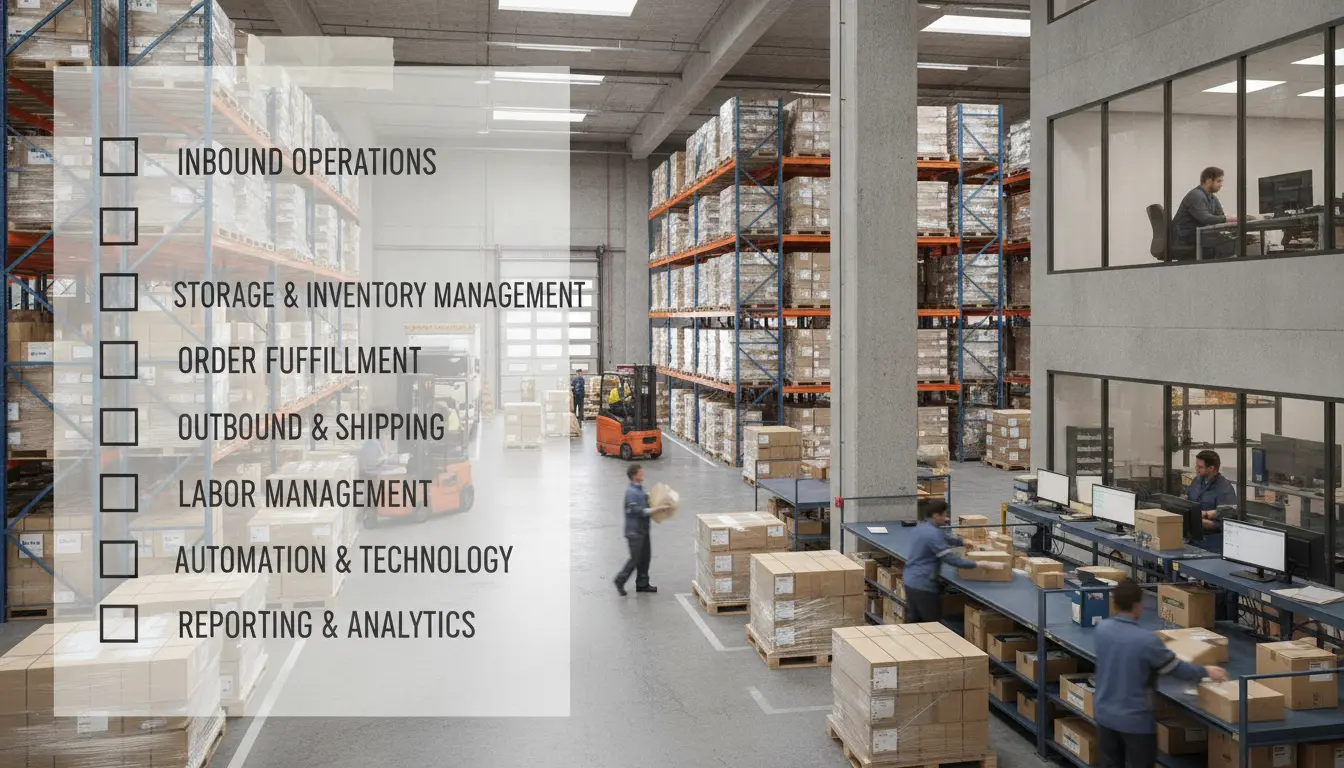
For more context on how carrier integrations and technology work alongside a WMS in a modern fulfillment operation, the YouParcel technology platform page explains the connections between WMS, carrier APIs and reporting tools. The warehousing and storage service page covers how YouParcel's warehouse operations are structured across its East Coast, West Coast and Midwest facilities.
The CSCMP Supply Chain Management Definitions and Glossary, available at cscmp.org, is a useful reference for standardized definitions of WMS, inventory management and related terms. MHI's material handling and logistics glossary, maintained at mhi.org, covers warehouse automation and system terms in depth.
Frequently asked questions
What is a warehouse management system (WMS) in simple terms?
A WMS is the software that controls how inventory moves inside a warehouse: receiving, storage, picking, packing and shipping. For brands using a 3PL, the WMS determines how accurately inventory is tracked, how quickly orders are processed and what data you can see in real time through a client portal.
What is the difference between a cloud-based WMS and an on-premise WMS?
A cloud-based WMS runs on hosted servers managed by the software vendor, with updates, backups and redundancy handled centrally. An on-premise WMS runs on servers physically located in the warehouse, which means downtime from hardware failures or local network issues is a real operational risk. For most 3PL relationships, a cloud-based WMS offers better uptime and faster integration support.
Do I need lot tracking if my products are not regulated?
Lot tracking is essential for any product with an expiry date, batch-dependent quality variance or recall risk, including supplements, food items, cosmetics and certain electronics. Even for unregulated products, lot tracking gives you a supply chain audit trail that is valuable during supplier disputes or quality investigations.
How do I know if a 3PL's WMS integrates with Shopify or Amazon?
Ask the 3PL for a current integration list and confirm whether the Shopify or Amazon connection is native (maintained directly) or routes through a third-party middleware connector. Then ask specifically about two-way sync: does inventory push back to Shopify after every fulfillment event, and do tracking numbers post to Amazon automatically? YouParcel maintains native integrations with both Shopify and Amazon as part of its standard platform.
What reporting should I expect from a 3PL's WMS as a minimum?
At minimum, you should have self-serve access to daily inventory snapshots, order history with status and tracking, shipment performance by carrier and return summaries including disposition. Any WMS that requires you to submit a support ticket for routine reporting is likely under-resourced or running an outdated system.
Ready to see how YouParcel's warehousing management systems and technology platform handle these requirements in practice? Talk to an expert and get a live walkthrough of the client portal and WMS capabilities.